Obsidian · DataviewJS · components as files
Before You Write Yet Another Obsidian Plugin
Models made plugins easy to write, so people write them for things that would fit in a note. For UI inside a note you probably don't need one. A short spec lets your own model write each piece as one file you can read.
For most of a year I built Obsidian plugins I meant to release: a chat plugin, then a few small ones in a single week, then a large one that swallowed my dashboard. Each time I got close to shipping, the idea moved and I started again under a new name. None of them went out.
Somewhere in the middle I started asking models for DataviewJS instead, a block of JavaScript inside a note: a heatmap of my journal, a reading list, a calculator. They worked and did most of what my plugins did, with no build step or release. After a while I couldn't say why some of my ideas were plugins and others were notes.
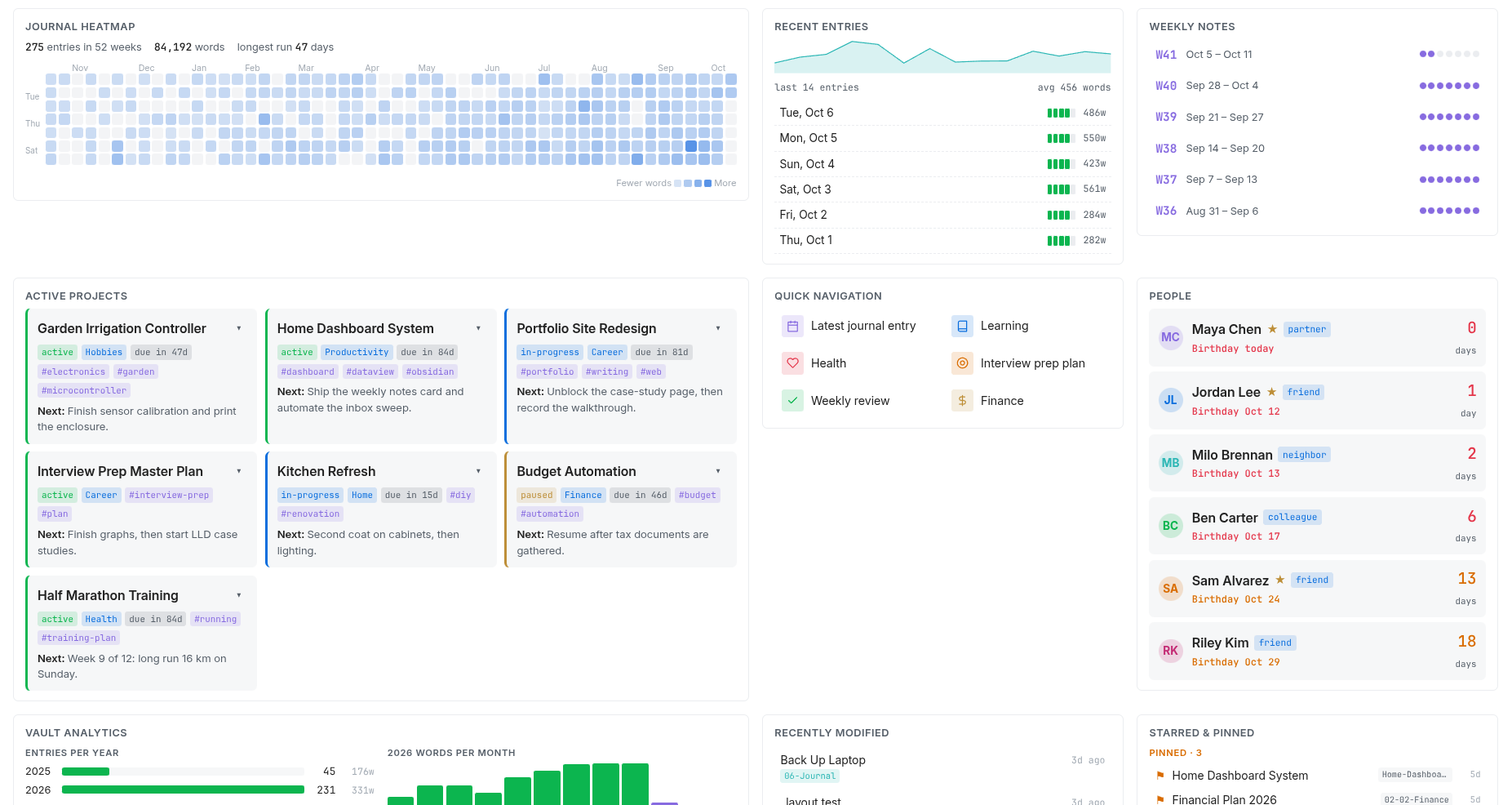
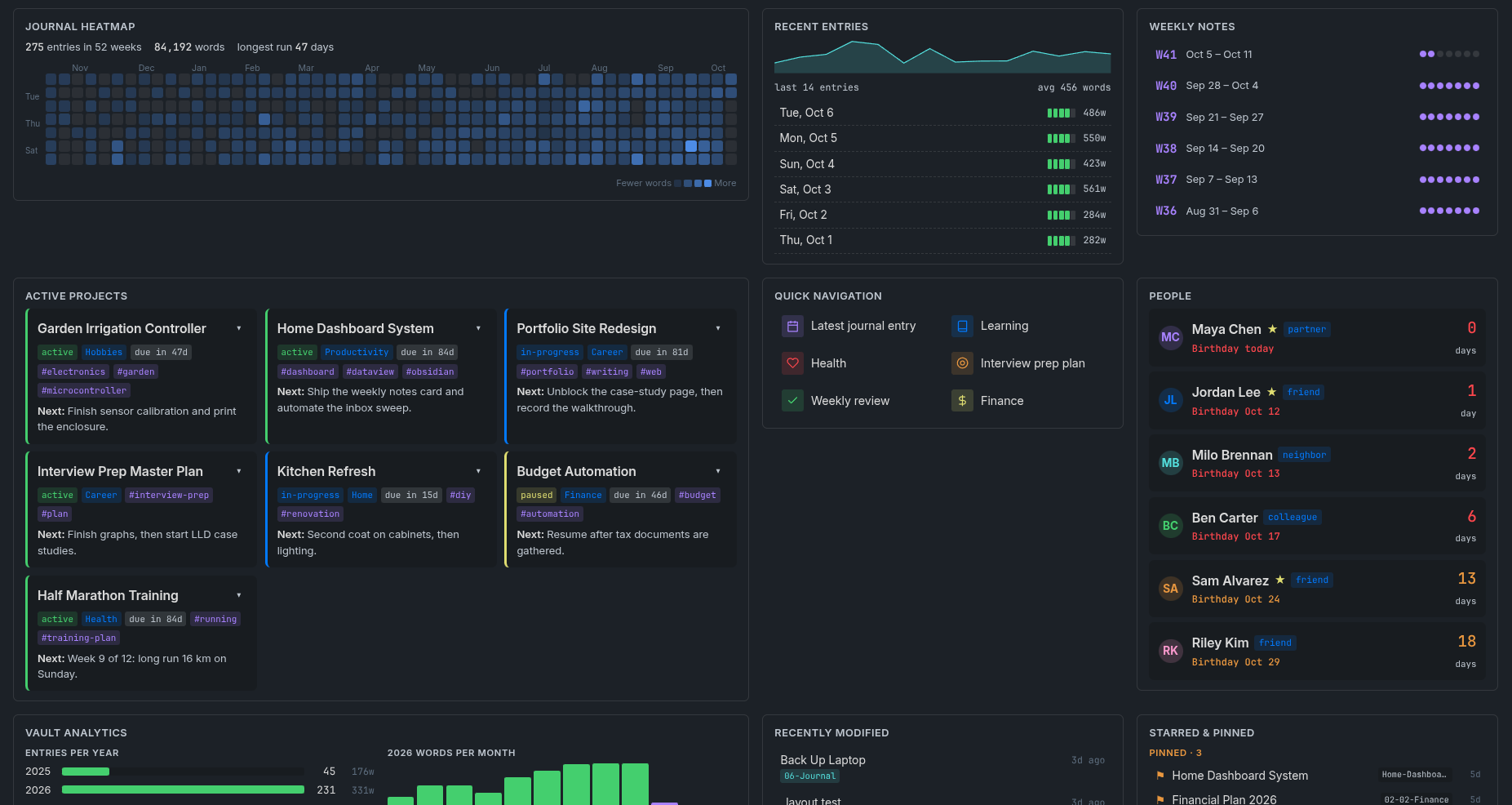
A lot of people are in that spot now. A model will write you a plugin in an afternoon, so plugins get written for dashboards and trackers that only needed a note, each one more thing to install, update and trust. Some things do need a plugin, and the list is below. For UI inside a note, I ended up shipping something smaller: a spec that lets your own model write it. Everything in the panel on the right (behind the Components button on a phone) was written that way.
What the easy route costs
I counted in my own vault: 60 notes with hand-built DataviewJS, written over a few months by several models. Nine left timers or listeners running after the note closed, and one wrote a file every second and a half, forever. The same colour palette was pasted into 19 of them. Others looked right in one theme and wrong in the other, or called APIs that don't exist.
Cleanup is harder than it looks, because DataviewJS re-runs every visible block a few seconds after any note in the vault changes, and doesn't stop the previous run first. My own host had that bug until I read Dataview's source while writing this.
The blocks weren't badly written. Each guessed on its own how to draw, follow the theme, clean up and keep state. What was missing was a contract.
One file per component
A component is one file that exports one function:
export default function (ctx) {
  // draw into ctx.host, using what ctx provides
}
The host passes in ctx, and when the component goes away it undoes everything the component registered. What used to be pasted into every note moves into ctx, and the file keeps only your part.
COMPONENTS.md is the contract, a few pages long. SKILL.md teaches a model to write for it. cf.js is the host: it runs components in a DataviewJS block, and it runs the panel on this page.
The contract
ctx replaces what every block used to improvise: scoped styles, the theme's colours, timers and listeners that clean themselves up, your notes as plain arrays, state that survives a re-render, and settings that keep data out of the code. The clock in the panel is the smallest complete example.
A host can tear a component down and remount it at any moment, and DataviewJS does so whenever a note changes. So every component must pass one test: mounted twice on the same page and re-rendered in the middle of an animation, nothing leaks and nothing collides. Cleanup is the host's job, so a component that uses ctx passes without extra work.
The contract never mentions Dataview, whose last release was in April 2025, so the same component also runs on this web page and could run under a Datacore or plugin host.
Plugin or component
A DataviewJS block gets the same app object a plugin gets, so it can read, change and delete any file in your vault, reach the network, and use Node on desktop. What it lacks is a place in the app: a plugin loads at startup and attaches to the interface, while a block exists only while its note is on screen.
| Plugin | Component | |
|---|---|---|
| Read, change and delete files, use the network | Yes | Yes |
| Node and Electron, on desktop | Yes | Yes |
| Commands, hotkeys, ribbon, status bar, settings tab | Yes | No |
Its own pane or file type, editor extensions, obsidian:// links | Yes | No |
| Runs at startup and with no note open | Yes | No |
| What you ship | A manifest and a bundled main.js | One file in your vault |
| Review | Obsidian scans every published version | None |
Write a plugin when you need a row marked No, a new kind of Bases view or changes to the editor itself, or when other people will install it and you want releases that Obsidian reviews. For something to look at or click inside a note, a component is enough.
Loading JavaScript from a file isn't new: Dataview's own dv.view(), CustomJS, CodeScript Toolkit and JS Engine all do it, and Datacore has dc.require. JARVIS Dashboard, Home Pages and ObsidGet arrived at similar widget files this year, and Obsidian's built-in Bases covers tables and cards with no code. None of them writes down what kept breaking for me: how a piece of UI follows the theme, what it must clean up, and how it survives being re-run. The contract writes that part down, for any host, in a form a model can follow.
Don't run my code
A component has a plugin's access and none of its review, so don't paste JavaScript from strangers into your vault, mine included. That is why this project ships a spec and not a library: the components in the panel are examples, and the useful part is the two documents that let you and a model you chose write your own.
If you do run someone else's component, the host helps a little. It runs nothing you haven't mounted, keeps the source one click away, and can pin a file to the hash you reviewed, so a file changed through sync won't run until you look again. Code you haven't read can be an html component, sandboxed in a frame with no access to your vault, like the focus timer. Read the code, or ask a model to list every line that reads files, touches the network or uses globals, cf.js included. That takes a model about a minute.
Written from the spec alone
I rebuilt my own dashboards on this contract, 120 components in all, but none are in the panel. To test whether the two documents are enough, I gave a mid-sized model, Claude Sonnet, the repository with every example removed and a page of one-paragraph requests. Three agents wrote fourteen components, among them a binary search you can step through and one readout that shows two unrelated datasets, and every one passed the lifecycle test.
When they went wrong, the document was usually at fault. It never said the component's box has no height, so a chart told to fill it grew to four thousand pixels. Its canvas advice resized the box inside its own resize handler, so the galaxy redrew forever and showed nothing. Each gap became a line in version 0.2, and a fresh agent then rewrote those components without workarounds. The rest were ordinary slips.
Then I gave a new agent only the two documents and this request:
Using SKILL.md, write a component that lists the five most recently changed notes in my Projects folder, with how long ago each one changed. Clicking one opens it.
It got it right the first time: it is the recent-notes list in the panel.
Try it in your vault
Give COMPONENTS.md and SKILL.md to whichever model you use, describe the UI you want, and save the file it writes in a Components folder next to cf.js. The starter kit has the host, both documents, four examples and a demo note. Unzip it at the root of your vault with a file manager, since Obsidian hides .js files, and turn on JavaScript queries in Dataview's settings. Then any note can mount a component:
```dataviewjs
const load = async (p) => import(URL.createObjectURL(new Blob([await app.vault.adapter.read(p)], { type: "text/javascript" })));
const cf = await load("Components/cf.js");
await cf.mount(dv, "Components/heatmap.js", { settings: { folder: "Journal" } });
```
Each example in the panel also has a Copy example button. It copies one DataviewJS block with the component, its demo data and the host, so you can see it run in your own vault. Treat it like any code from the internet: open it and read it first.
Starter kitHost, examples, contract, skill and a demo note.COMPONENTS.mdThe contract, in full.SKILL.mdThe skill, for any model.cf.jsThe host: DataviewJS and web, one file.
This doesn't replace plugins, only the ones that never needed to be more than a note. Your notes are files you own, and a component is the same for the small programs around them: one file, written by you or a model you chose, short enough to read.